How Gaming Creators Can Dub Let’s Plays Without Losing the Energy
Learn how to dub gaming videos while preserving reactions, clear gameplay audio, natural terminology, and the personality that makes a Let’s Play fun.
By VoiceClub AI ·
AI assisted. Reviewed and approved by a human editor.
Key points
- Separate commentary and game audio make a dubbed mix easier to control.
- Translated reactions need to align with the gameplay moments that prompt them.
- YouTube automatic dubbing and creator-uploaded multilingual audio are different workflows.
- A fluent reviewer can check terminology, energy, timing, and the final mix.
- Obtain permission before cloning a collaborator’s voice.
To dub gaming videos without losing the energy, treat the commentary, gameplay sounds, translation, and timing as parts of the same performance. Start with separate voice and game-audio tracks when possible, adapt the script for the audience rather than translating every joke literally, and make sure reactions land on the moments that cause them. Whether you use a human performer or an automatic dub, have a fluent reviewer check the result against the video before publishing.
A Let’s Play is more than a sequence of instructions or a playthrough. A surprised shout, a quiet realization, or a conversation with a teammate helps viewers understand both what happened and why it matters. The goal of a dub is not to make every sentence sound identical to the original; it is to make the experience clear and engaging in another language.
How should you prepare a Let’s Play for dubbing?
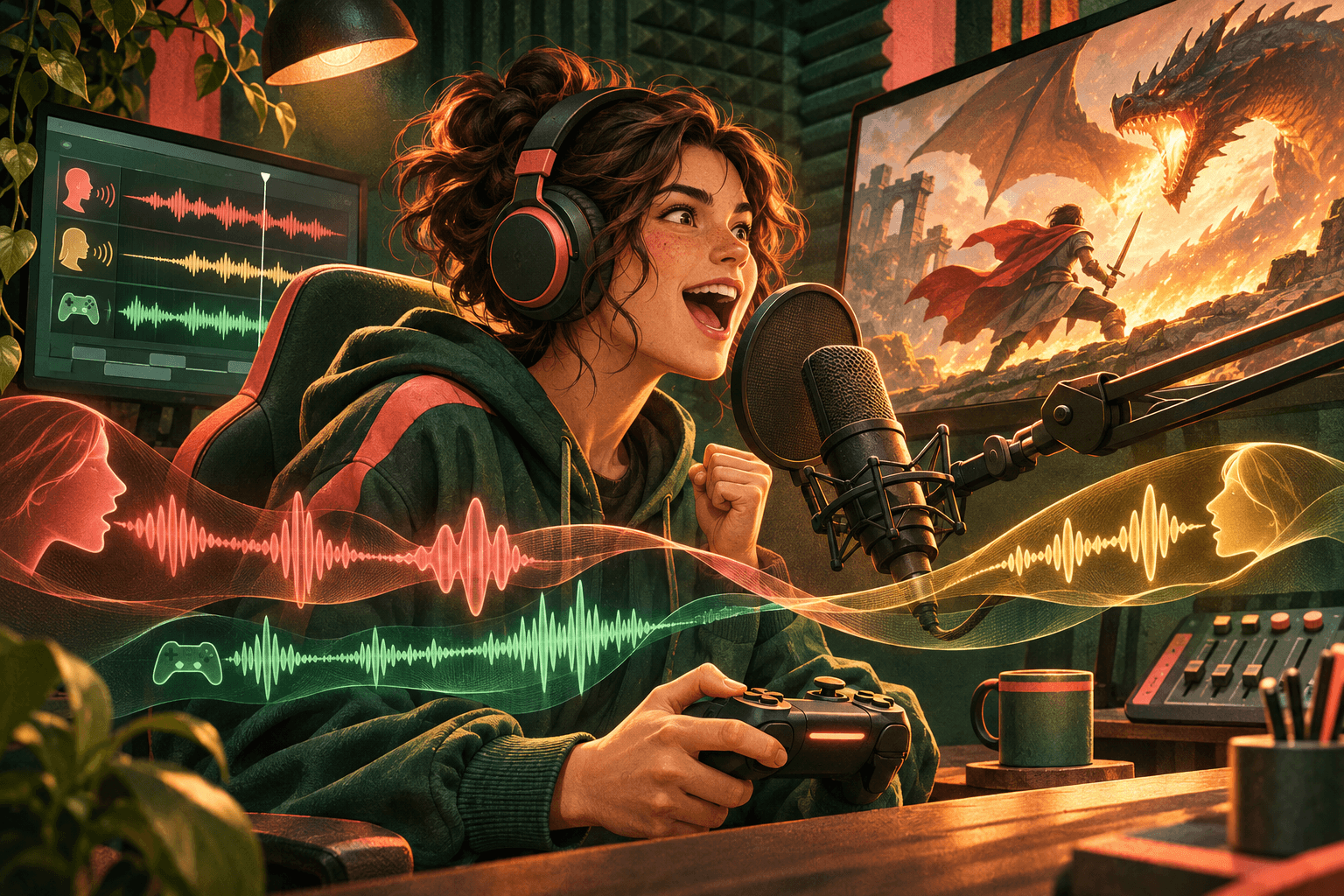
The most useful preparation starts before translation: record your commentary and game audio on separate tracks whenever your setup allows it. Keep any collaborator voices separate as well if you can. This gives you more control when replacing commentary while retaining the game sounds that explain what viewers see.
For example, an on-screen attack may be accompanied by an important sound effect and an excited reaction. If everything is baked into one track, replacing the reaction without affecting the surrounding audio can be difficult. With separate tracks, you can work on the translated voice and then balance it against the gameplay mix.
If you already have only a finished mixed video, listen closely before committing to a full dub. Identify places where music, effects, or another speaker cover the commentary. Those moments may need extra attention in the translation and final mix. YouTube specifically notes that background noise can affect automatic dubbing quality.
Create a short reference sheet for the person translating or reviewing. Include the game title, character and location names, recurring catchphrases, speaker identities, and any running jokes needed to follow the episode. A timestamped list of major wins, failures, jump scares, and interruptions can help the reviewer connect each line to the action.
Read YouTube’s automatic dubbing guidance
How do you translate jokes and gaming terms naturally?
Translate for the moment, not just the sentence. A word-for-word version of a joke may be technically close to the original but confusing to someone who does not share the reference. Ask a fluent translator or reviewer to preserve the purpose of the line: Is the creator teasing a teammate, celebrating a lucky escape, or explaining a mistake?
Then check the wording against what is on screen. If a pun cannot work in the target language, a different line that fits the same situation may serve the video better. Keep an eye on continuity: a replacement joke should not make a later callback impossible to understand.
Gaming terminology needs the same care. Names, slang, abbreviations, and game-specific items can be unfamiliar or ambiguous. YouTube warns that automatic dubs can struggle with proper nouns, idioms, and jargon, so these are useful places to focus a manual review.
- Build a small glossary of character names, locations, abilities, and recurring terms before dubbing the episode.
- Ask a fluent reviewer familiar with the game to flag terms that sound unnatural or could mislead viewers.
- Keep repeated names and catchphrases consistent unless a change is intentional.
- Adapt jokes for the target audience while preserving the creator’s intent and the context on screen.
- Read lines aloud to check whether they feel natural at the pace of the gameplay.
Not every energetic line needs a direct equivalent. A brief exclamation can sometimes do the job better than a long explanation, particularly when the action moves quickly. Conversely, if an important tactic needs more context, look for a natural pause where the explanation will not cover the next reaction.
Explore ways to handle names in generated speech
How do you keep reactions in sync with gameplay?
A reaction is easiest to follow when viewers can connect it to its cause. Watch the scene without reading the script and mark the relevant visual or audio cue: an opponent appearing, a door opening, a failed jump, or a teammate delivering a surprise. Then listen to the dub while watching the same moment.
The translated line does not have to match the original word for word or occupy exactly the same space. It does need to make sense in the sequence. If the dubbed creator celebrates before the winning move appears, the moment may feel premature. If a warning arrives after the danger has passed, viewers may struggle to understand why it was said.
Use a simple timing pass for the most important moments first. Check the beginning and end of each reaction, then check whether the line runs into another speaker or an important game sound. Shorten or rephrase a line when it cannot fit naturally; avoid rushing every sentence just to force it into the original timing.
For multiplayer videos, listen especially closely to interruptions and overlapping voices. Decide which voice carries the information the audience needs in that moment, while retaining enough of the interaction to make the conversation feel lively. If the source is chaotic, a slightly clearer dubbed exchange can help viewers follow the action without removing the sense of spontaneity.
Learn more about timing in translated video
Should you choose a human-performed or automatic dub?
A human-performed dub gives a performer the opportunity to shape each reaction deliberately. They can adjust a sarcastic remark, build anticipation during a quiet section, or deliver a shout to match an on-screen surprise. It still needs a good translation, direction, and review: an energetic performance is not helpful if it changes the meaning or masks the game.
An automatic dub is another workflow to consider, especially for a first test. It can produce a translated audio track without directing a separate performance for every line, but the output should not be treated as a finished creative decision. Check whether the delivery fits your personality, whether the game vocabulary is correct, and whether the timing follows the action.
YouTube’s automatic dubbing feature is different from uploading a creator-made multilingual audio track. In the automatic workflow, YouTube generates the dub for eligible videos, and creators can review dubs before publication. YouTube notes that very fast speech and videos over 120 minutes may be ineligible, which is worth checking before planning around a long stream recording.
With creator-uploaded multilingual audio, you prepare the alternative audio separately and upload it to the video. That gives you a distinct workflow for a custom dub, whether the performance was recorded by a person or prepared using another approach. YouTube says that if an automatic dub already exists for the same language, it must be deleted before you upload your own track in that language. Check YouTube’s current guidance and your channel’s available options before choosing a workflow.
Review YouTube’s multilingual audio instructions
Compare YouTube automatic dubbing with a custom dub
What should a fluent reviewer check before publication?
Give the reviewer the video, the dubbed audio, and your glossary—not just a translated script. A sentence can look correct on the page but sound flat, arrive too late, or clash with another voice when played over the action. Ideally, the reviewer understands both the target language and the game well enough to spot terminology problems.
- Check meaning and pronunciation. Listen for names, game terms, instructions, and jokes that could confuse viewers.
- Check energy. Compare important reactions with the original and ask whether the delivery fits the creator’s intended mood.
- Check timing. Make sure warnings, celebrations, and explanations connect to the right gameplay moments.
- Check overlapping voices. Identify interruptions that become unintelligible or make it hard to tell who is speaking.
- Check the final mix. Listen for commentary that is hard to hear over effects or music, and for game sounds that have become distracting or lost.
After revisions, watch the complete video again rather than checking only the changed lines. A fix in one exchange can affect the pacing of the next. Listen at a comfortable volume and pay attention to quieter sections as well as the loudest reactions.
If the video includes collaborators, agree on how their voices will be handled. Obtain permission before cloning a collaborator’s voice, and be clear about the intended use. Google’s published voice-transfer research describes using voice transfer and lip reanimation only with consent from content owners and speakers; that is a useful principle when planning your own project.
Read Google’s research note on dubbing and consent
How can you test a dub before expanding?
Start with one target language and one short video. Choose an episode with a representative mix of commentary, gameplay sounds, and reactions, but avoid making your first test an exceptionally long or complicated multiplayer session. This lets you evaluate the full process—from glossary and translation through timing, review, and upload—without committing the whole back catalog.
Before publishing, write down what you want to learn. Can the reviewer follow the game? Do the jokes and names make sense? Does the dubbed voice feel appropriate for the channel? How much revision did the busiest scene need? Keep notes on decisions you would reuse, including approved terminology and how you handled overlapping speakers.
After publication, use the information available in YouTube Analytics alongside viewer feedback. YouTube says analytics can report views and watch time by audio language. Those measures can help you assess the test, but they do not explain every reason a viewer stayed or left. Look at them together with the episode’s context and your review notes before deciding what to dub next.
A successful pilot is a repeatable process, not simply a completed track. Refine the glossary, recording setup, review checklist, and mix based on what you learned. Then consider another video or language when you are confident that viewers can follow both the gameplay and the personality behind it.
Sources
- https://support.google.com/youtube/answer/15569972?hl=en
YouTube says automatic dubs can struggle with background noise, proper nouns, idioms and jargon. Videos over 120 minutes or with very fast speech may be ineligible, and creators can review dubs before publication. ([support.google.com](https://support.google.com/youtube/answer/15569972?hl=en)) (retrieved )
- https://support.google.com/youtube/answer/13338784?hl=en
YouTube distinguishes creator-uploaded multilingual audio from automatic dubbing; an existing automatic dub must be deleted before uploading a creator-made track in the same language. Analytics can report views and watch time by audio language. ([support.google.com](https://support.google.com/youtube/answer/13338784?hl=en)) (retrieved )
- https://developers.googleblog.com/en/improving-video-voice-dubbing-through-deep-learning/
Google describes its research prototype for cross-language voice transfer and states that it uses voice transfer and lip reanimation only with consent from content owners and speakers. ([developers.googleblog.com](https://developers.googleblog.com/en/improving-video-voice-dubbing-through-deep-learning/)) (retrieved )
Explore VoiceClub services.