Lip Sync, Timing and Natural Speech in AI Video Translation
Separate phrase timing, audio/video offsets, visual lip synchronization and natural speech, then choose the review your translated video needs.
By VoiceClub AI ·
AI assisted. Reviewed and approved by a human editor.
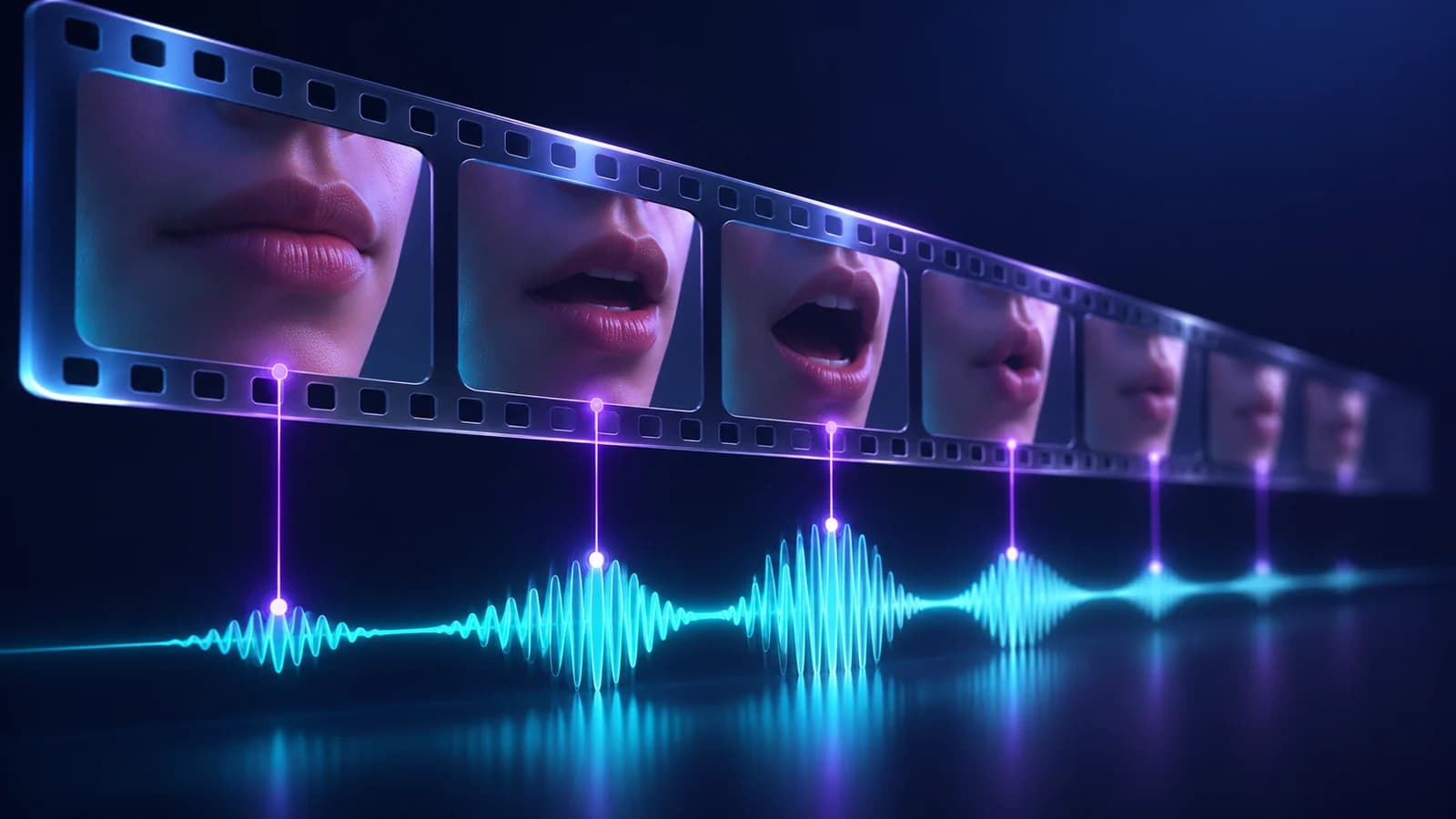
Audio timing places translated speech at the right moments. Speech synchronization aligns phrases and events more closely with the original performance. Visual lip synchronization makes mouth movements correspond to speech, sometimes by changing the video. These are different production tasks, and success at one does not prove success at the others.
For a narrated chart, matching the explanation to the graphic may be enough. For a face filling the frame, the relationship between sound and mouth movement becomes much more noticeable. Define the viewing situation before choosing how much synchronization work the project needs.
Four layers to assess separately
| Layer | What it concerns | What a pass does not prove |
|---|---|---|
| Technical audio/video sync | Whether audio is offset from the picture | That translated wording fits the scene |
| Phrase timing | Start, end, pauses, and turn windows | That individual mouth shapes match |
| Visual lip synchronization | Relationship between mouth movement and speech | That translation or voice identity is correct |
| Natural delivery | Intelligible, plausible target-language performance | That every visual cue is aligned |
This distinction helps a reviewer give actionable feedback. “The track starts late” suggests a different correction from “the mouth closes while a long vowel continues.” Avoid using one label, such as lip sync, for every problem the viewer notices.
First rule out a simple offset
Before rewriting dialogue or altering faces, check whether the whole audio track is consistently early or late. A container, edit, or export mistake can create a global offset even when the underlying performance is well timed.
Use several clear reference events across the video, including near the beginning and end. If the mismatch changes over time, investigate the source files and edit settings rather than assuming one fixed shift will solve it. Keep the original master available for comparison.
Do not publish a universal numerical tolerance without an applicable delivery specification and evidence. Perceived mismatch depends on the scene, viewing conditions, and audience. Use the requirements of the actual platform or client, then inspect the final playback.
Fit phrases to meaningful windows
A translation may use a different word order or require more syllables. The adaptation task is to preserve meaning while producing a phrase that works within the scene. Start with wording and performance before applying large speed changes.
Identify the boundaries that really matter. A speaker's turn must not overlap a reply unintentionally. An instruction should occur alongside the action it describes. A joke's setup and reaction need a coherent relationship. Some pauses are flexible; others carry meaning.
For a demonstration, the picture might allow an extra moment on a static view. For an interview, shifting the picture could distort the exchange. Record whether the project permits visual editing, and choose the least disruptive correction that meets the communication goal.
Natural speech needs room to breathe
When every line is compressed to its source duration, target-language speech can become rushed. When every line is padded, it can sound hesitant. A fluent reviewer should assess how the performance groups ideas and where the listener needs a pause.
Try a shorter equivalent, a revised phrase boundary, or a different delivery before removing essential content. If a qualification or warning disappears to make the timing fit, the production has solved the wrong problem.
Listen over a longer passage after changing one sentence. A line can fit perfectly in isolation yet break the programme's rhythm. Compare the lead-in, replacement, and response together so a local repair does not create a new perceptual mismatch.
Example: an instruction before a cut
Imagine a demonstrator saying, “Wait until the indicator stops flashing, then release the switch.” The translated line runs beyond a cut to the next action. One option is a concise target-language version that preserves both the waiting condition and the release instruction. Another is to extend the shot, if the source material and edit permit it.
Removing the waiting condition would be a meaning error, even if it produced an elegant timing match. Speeding the whole sentence up might also make the instruction difficult to follow. Present the editor and content owner with the complete alternatives, then review the chosen version against the visible sequence. This example shows why timing decisions belong in the same conversation as translation and picture editing.
Visual lip synchronization is a separate decision
The Wav2Lip research addresses generating mouth movement to match target speech. [S9] It illustrates why visual synchronization is a distinct technical problem from translating a script or placing an audio track. It does not establish VoiceClub's implementation or certify any particular video as natural.
S9: A Lip Sync Expert Is All You Need for Speech to Lip Generation In The Wild
If a workflow changes faces, review the result as altered imagery. Check teeth, lips, jaw edges, facial hair, occlusion, side views, fast movement, and scene cuts. A convincing central close-up does not prove that all frames survived the process cleanly.
Obtain appropriate permission for visual changes and consider suitable disclosure. A speaker may authorize translated narration without authorizing every form of face manipulation. Resolve that scope before processing rather than after the team has become attached to a polished result.
Choose by shot type and editorial purpose
Screen recordings and narrated animation
Prioritize correct terminology and alignment with visible actions. There may be no visible mouth to match. Use the available flexibility to make the explanation clear, while keeping captions consistent with the final narration.
Interviews and direct-to-camera videos
Inspect close-ups and expressive lines carefully. The audience sees facial cues while hearing the dub, so an otherwise natural line can feel wrong if it arrives at the wrong emotional moment. Test the most demanding shot before deciding whether visual alteration is needed.
Documentary voice-over
A deliberate translated narrator may not aim to match the interviewee's mouth. That can be an editorially valid choice when the format makes the distinction clear. Keep the original and translated voices mixed intentionally rather than treating an audible source track as an accidental failure.
A practical timing review
Create a review sequence with a neutral line, a fast line, a pause, an interruption, and a close-up if present. Include the same sequence in every candidate workflow so comparisons concern the material rather than different demonstrations.
Ask reviewers to note the exact moment and type of mismatch. Check audio-only intelligibility, then video playback with sound, then selected close-ups. Frame-by-frame inspection can help diagnose a defect, but ordinary-speed viewing is essential for judging the actual experience.
Test the delivered file in the intended player. An editing timeline is not the final distribution environment. Verify that the correct audio version is attached and that captions, speed controls, and language selection behave as expected where those features are available.
Keep trade-offs visible to the content owner
There may be no version that maximizes literal wording, exact duration, natural speech, voice likeness, and mouth alignment simultaneously. Present the meaningful alternatives: a clearer phrase, a longer visual hold, an optional voice-over treatment, or additional visual processing.
Explain what each alternative changes. A shorter line may simplify nuance; a visual hold may affect pacing; face alteration adds review work. Let the owner decide against the project's purpose rather than presenting a synthetic “perfect sync” score as a substitute for judgment.
VoiceClub's service overview can start a discussion about a video translation pilot. Ask which timing and visual capabilities are actually available in the specific workflow, then review a representative clip. Accept the result because its meaning, performance, and picture work together—not because one aspect of synchronization was assumed to guarantee the rest.
Sources
- https://arxiv.org/abs/2008.10010
S9: Wav2Lip researches matching visible mouth movements to target speech. (retrieved )
Explore VoiceClub services.